
Common Mistakes When Setting Up Payments in Shopify Chile Stores (and How to Avoid Them)
Updated
Setting up payments in Shopify is not just checking a couple of boxes and you're done. Any mistake here directly impacts lost sales, confused customers, and margin eaten by commissions.
In Chile there are specifics (CLP, 19% VAT, local gateways) that, if not considered, end up being costly. This article summarizes the most common errors and how to avoid them.
Why Payment Configuration Is Critical
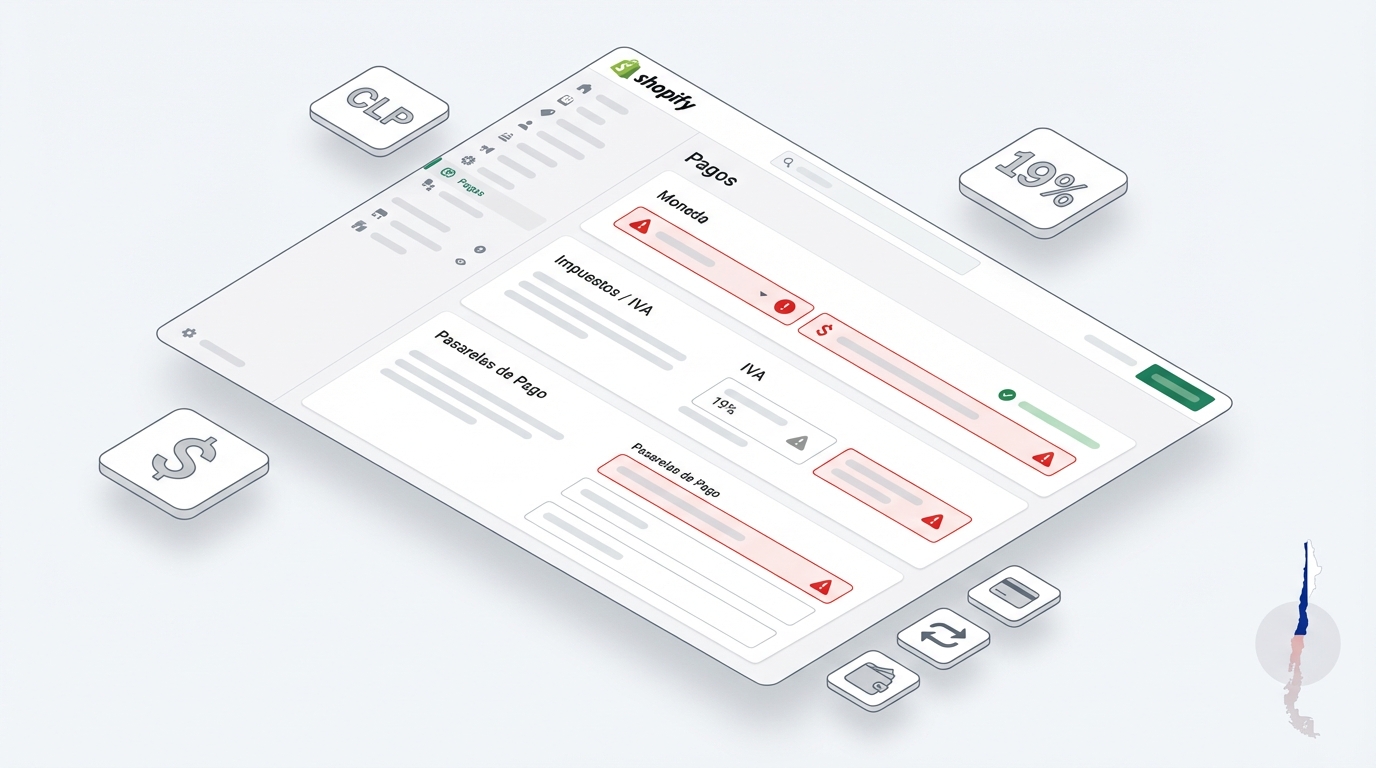
Common errors: The most frequent mistakes are leaving the currency different from CLP, not activating 19% VAT correctly, showing inconsistent tax-included prices, ignoring real gateway commissions, using test credentials in production, and not making test purchases. To avoid them: set prices with VAT, configure local currency, review gateways, and test everything before launching.
It's not just about "being able to charge"
Behind the payment button lies the billing currency, tax treatment (VAT included or not), real commissions, and the customer experience. Misconfiguring this directly hits your margin.
Error 1 – Currency and Country Misconfigured
Stores Left in USD
A classic: launching the store and prices show up in dollars. In Shopify, the currency is configured in Settings > Store Information. If you sell in Chile, use CLP.
Impact
Confused customers and problems reconciling sales with your local billing. Configure it as soon as you create the store.
Error 2 – 19% VAT Incorrectly Applied
Prices With or Without VAT
In B2C in Chile, the customer expects to see the final price (VAT included). Showing net prices and adding tax at the end causes cart abandonment.
How to Configure It Correctly
- Set the national tax for Chile (19%).
- Indicate in Shopify that prices are entered with taxes included ("Tax inclusive").
- Mark products if they charge taxes.
Error 3 – Not Considering Commissions in Your Margin
The Hidden Cost
Many calculate: Price - Product Cost - Shipping = Profit. The gateway is missing. Webpay, Flow, or Mercado Pago charge a % per transaction + VAT. If you don't add it to the cost, your real margin is lower than you think.
Error 4 – Misconfiguring the Payment Gateway
Test Credentials in Production
Connecting the gateway with test keys (Sandbox) means the money never arrives. Make sure to use Production credentials before advertising the store.
How to Test
Make a real low-amount purchase. Verify that the money is deducted from your card and shows as approved in the gateway and paid in Shopify.
Error 5 – Not Offering Enough Payment Methods
Variety Is Key
In Chile, debit, credit, transfers, and digital wallets are used. Offering only one option limits your sales. Consider having a robust main gateway and perhaps transfers as an alternative.
Error 6 – Not Testing on Mobile
Broken Mobile Checkout
Most of your customers buy from their phone. Check that buttons aren't cut off, texts are properly displayed, and the flow is smooth on small screens.
Error 7 – Not Reconciling Sales
Sales vs Deposits
At least once a month, cross-check Shopify sales with actual bank deposits. Identify differences due to commissions, refunds, or payment errors.
Practical Summary
- ✓ Configure CLP currency and Santiago timezone.
- ✓ Set VAT-included prices and configure 19% in Shopify.
- ✓ Calculate your margins including gateway commission.
- ✓ Use production credentials and make a real test purchase.
- ✓ Test the entire process from a mobile phone.
Configuration Questions
Can I change the currency later?
Technically yes, but it's risky if you already have historical sales. Better to set CLP from the start.
Is it mandatory to show prices with VAT?
Commercially, yes. Showing net prices in B2C generates distrust and abandoned carts.
What do I do if a payment doesn't appear?
Check in the gateway first. If it's approved there but not in Shopify, contact support for a possible connection error.
Need help with payments?
If you want us to review your configuration to make sure you're not losing money due to technical errors, contact us.
Review My Store →