
Checklist Before Launching Your Shopify Store in Chile: 15 Things You Must Review
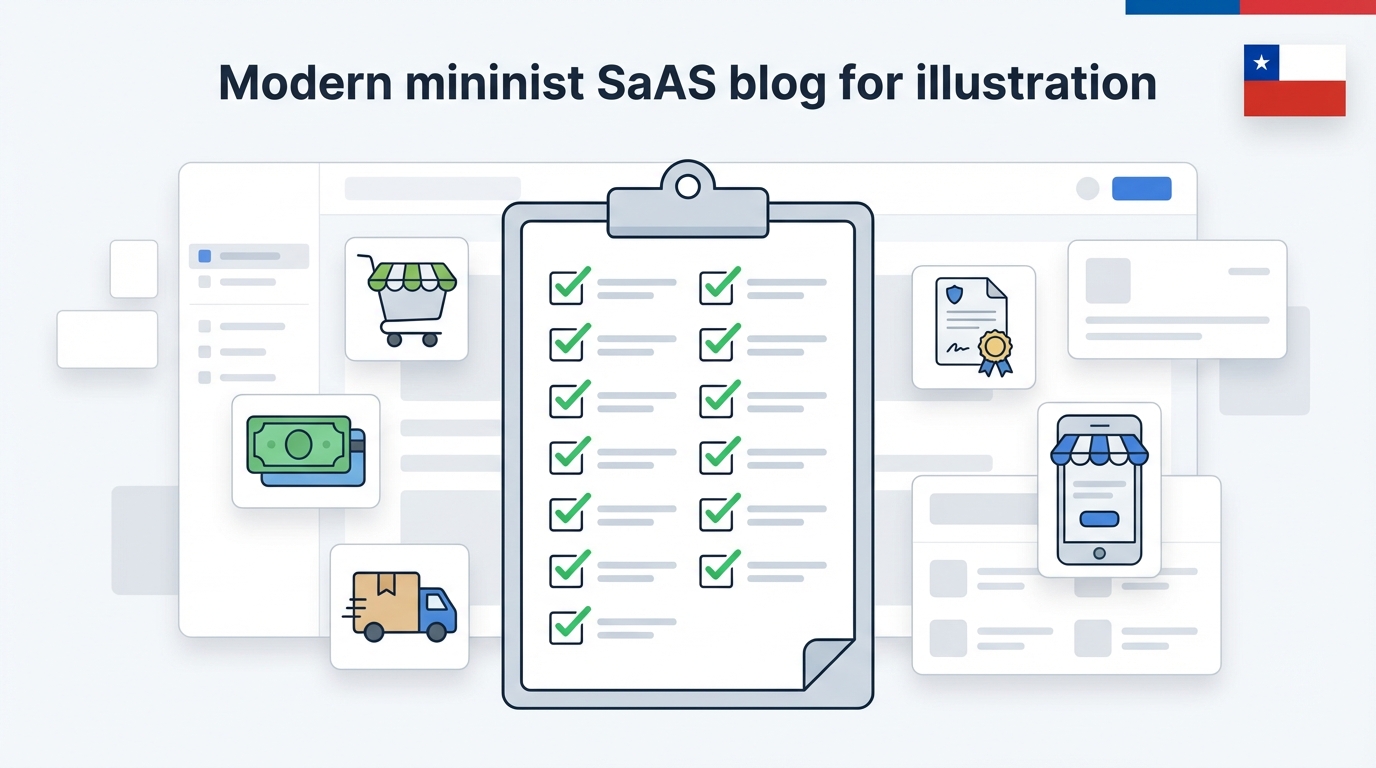
Updated
Setting up your Shopify store can take days or weeks, but the critical moment is just one: The day you click "publish" and real visitors start arriving.
If you launch with important things half-done, you'll pay for it in lost sales, complaints, and hours fixing errors live. This guide summarizes a 15-point checklist to review before launching your Shopify store in Chile.
Why you need a checklist before opening your Shopify store
Checklist summary: Before launching a Shopify store in Chile, review 15 key points: basic data, currency and taxes (19% VAT), payment methods, shipping rates, legal texts, essential pages, mobile navigation, email configuration, and a real purchase test. Doing this prevents costly errors when receiving orders.
The typical mistake: launching with "pending items"
Common errors like activating campaigns with misconfigured payment methods, publishing without a return policy, or having incorrectly calculated shipping rates can be avoided with an organized review.
Block 1 – General setup and business information
1. Store data, language, and currency in CLP
- ✓ Country: Chile
- ✓ Currency: CLP
- ✓ Language: Spanish
2. Primary domain connected with SSL
- ✓ Custom domain connected
- ✓ https:// working (padlock)
- ✓ Correct www redirect
3. Timezone and contact information
- ✓ Santiago timezone
- ✓ Visible contact information
Block 2 – Products, pricing, and taxes
4. Complete products
- ✓ Minimum 2-3 photos per product
- ✓ Useful and clear descriptions
- ✓ Stock loaded
5. Reviewed pricing
- ✓ Prices cover costs and margin
- ✓ No typos (extra zeros)
6. Taxes (19% VAT)
- ✓ National tax at 19%
- ✓ Products marked as "charge taxes"
- ✓ Defined whether prices include VAT
Block 3 – Payment methods and shipping
7. Payment gateways
- ✓ Gateway connected (Mercado Pago, Flow, etc.)
- ✓ Successful test order
- ✓ Confirmation emails arrive correctly
8. Shipping methods
- ✓ Zones created (Metro Area, Regions)
- ✓ Rates aligned with real costs
- ✓ No "gaps" in zones without shipping
9. Shipping communication
- ✓ Visible delivery timelines
- ✓ Transparent costs before checkout
Block 4 – Legal texts and trust
10. Terms and privacy
- ✓ Terms and conditions page
- ✓ Privacy policy
11. Returns and exchanges
- ✓ Policy published and easy to find
- ✓ Clear text, no confusing fine print
12. About Us
- ✓ "About Us" page with real information
- ✓ Consistent contact details
Block 5 – UX and final tests
13. Mobile First
- ✓ Home and Menu work well on mobile
- ✓ "Buy" button visible without effort
- ✓ Checkout usable on small screens
14. Transactional emails
- ✓ Emails reviewed (confirmation, shipping)
- ✓ No generic texts in wrong language
15. Final purchase test
- ✓ Real purchase completed without errors
- ✓ Order appears correctly in admin
Questions about launching
Can I launch without all legal policies?
Not recommended. It creates distrust. It's better to have simple but clear texts from day 1.
Is it mandatory to show a return policy?
Not technically, but commercially yes. Customers expect to see it before buying to feel secure.
Do I need to test with a real payment?
Yes, make at least one small real purchase to verify that the money reaches your account and the flow works.
Want to launch risk-free?
If you'd rather have an expert review your store with this checklist before launching and avoid costly errors, contact us.
Review My Store →